
How to Prepare a Vibe-Coded App for Launch
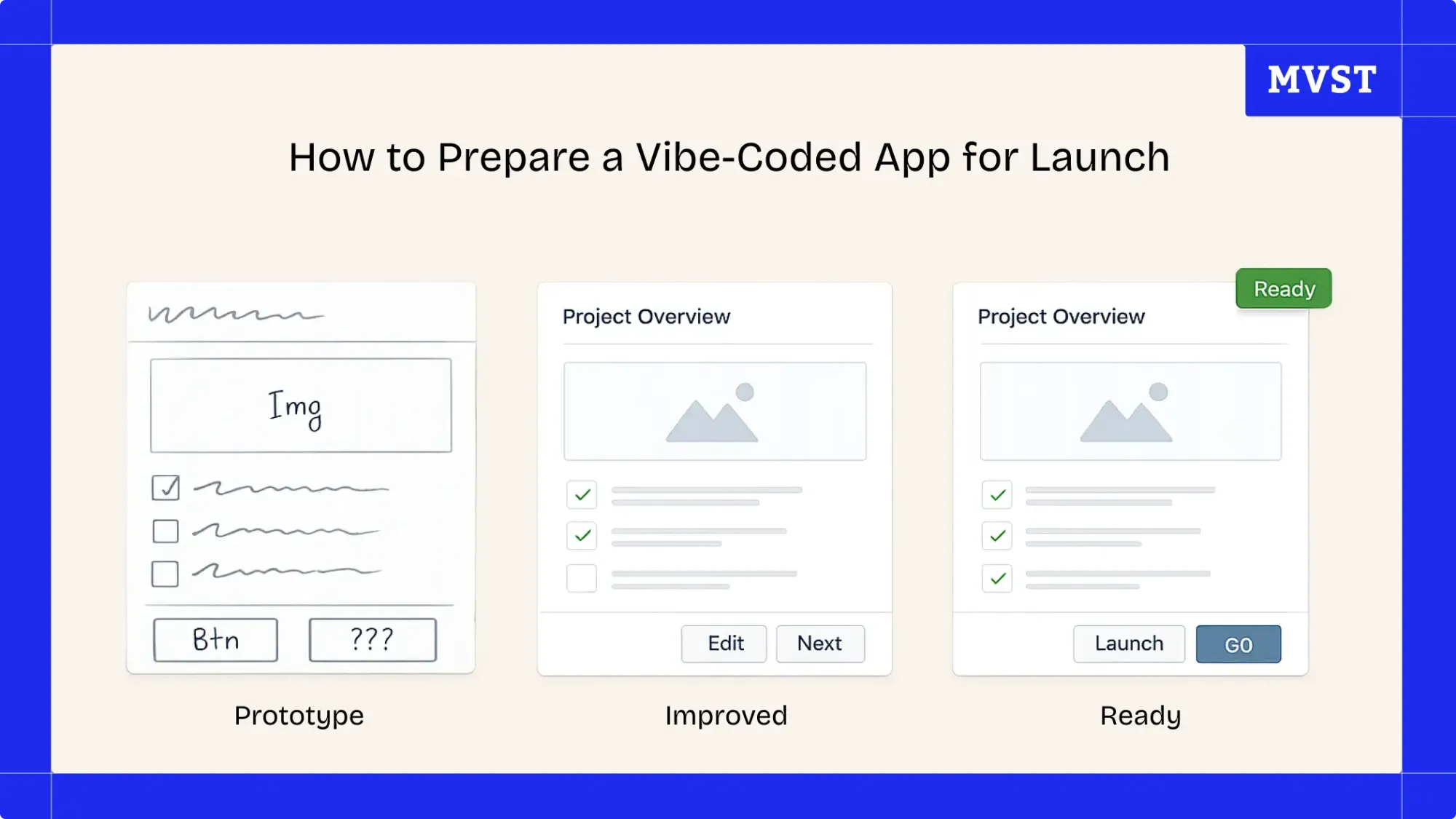
If you built your product using Lovable, Replit, Cursor, or similar AI tools, you probably moved from idea to working app incredibly fast.
Now you’re here:
👉 “How do we actually make this ready for real users?”
Because what you have right now is likely:
👉 a working prototype - not a launch-ready product
What “Launch-Ready” Actually Means
Before going live, your app needs to be solid across four areas:
- Security → no exposed access
- Infrastructure → stable under load
- Data → handled safely
- Architecture → scalable + reliable
👉 If one of these is weak, your launch is risky.
Step-by-Step: Preparing Your App for Launch
1. Lock Down Access & Authentication
Start with the basics:
- enforce authentication on all protected routes
- define user roles and permissions
- secure API keys and tokens
👉 Anything public that shouldn’t be = risk
2. Clean Up Your Environment & Secrets
Check your setup:
- remove hardcoded keys
- use environment variables properly
- separate dev and production configs
👉 Your codebase should never contain sensitive data
3. Secure Your Database
Especially important if you used:
- Supabase
- Firebase
Make sure:
- access rules are defined
- row-level security is enabled
- no public queries are possible
👉 Your database is one of your biggest attack surfaces
4. Stabilize Your Infrastructure
Look at how your app runs:
- hosting setup
- deployment pipeline
- environment consistency
👉 If your setup is unclear, it will break under pressure
5. Add Monitoring Before You Need It
You don’t want to debug blind.
Set up:
- error tracking
- logs
- alerts
👉 You should know immediately when something fails
6. Validate Real-World Behavior
Test beyond “happy paths”:
- invalid inputs
- edge cases
- failing APIs
👉 Your app shouldn’t just work, it should fail gracefully
7. Check Scalability Early
You don’t need perfect scaling.
But you need clarity:
- where are bottlenecks?
- what happens under load?
👉 Scaling problems don’t show up until it’s too late
A Simple Way to Think About It
Before launch, your app should be:
- secure enough → no obvious vulnerabilities
- stable enough → doesn’t break under normal use
- clear enough → you understand how it behaves
👉 You don’t need perfection - you need confidence
Where Most Teams Get Stuck
They:
- keep building
- keep improving features
- delay the launch
Because:
👉 they don’t fully trust their system yet
And that’s valid.
From “It Works” to “It’s Ready”
The biggest shift is this:
❌ “It works on my machine”
✅ “It holds under real conditions”
That’s what makes the difference between:
- a demo
- and a product people rely on
Don’t Do This Alone (If You’re Unsure)
If you built your app with:
- Lovable
- Replit
- Cursor
👉 you’re already ahead.
Now it’s about validating what you built.
We help teams:
- review security and infrastructure
- identify hidden risks
- prepare apps for real users
👉 Know exactly what needs fixing before going live
Final Thoughts
Vibe coding changes how fast you build.
But it doesn’t remove the complexity of launching.
👉 A fast prototype is not the finish line.
The real milestone is: a product that is safe, stable, and ready for real users.
Newsroom Ideas, Design & Technology in Motion
Practical insights on AI integration, headless e-commerce, UX/UI design, and digital product development. Case studies, implementation guides, and expert perspectives from the MVST team in Munich and Barcelona.

Breastkeeper Institute: A Full Brand Ecosystem, Built End-to-End
Ghida El BadriAug 07, 2026
Zurhorst Meditation Shop: A Conversion-First Relaunch
Ghida El BadriAug 05, 2026
Welcome to MVST, Tudor Verzes
Ghida El BadriJul 20, 2026